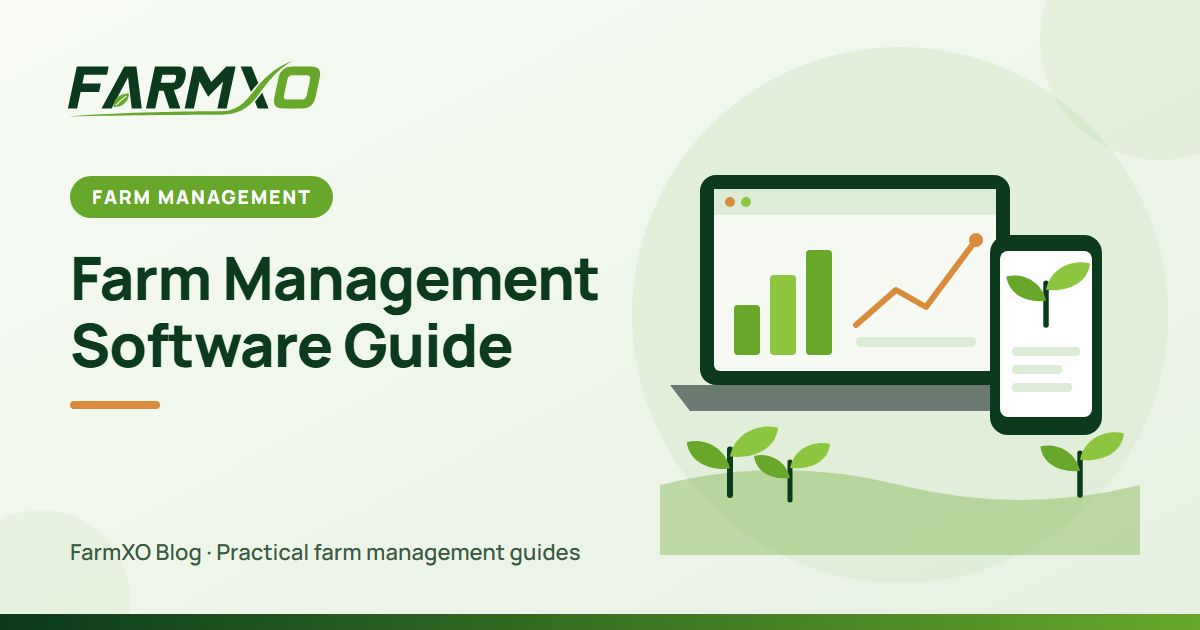
Farm management software is a digital system that brings a farm's fields, crops, workers, inputs, machinery and money into one place. Instead of notebooks, WhatsApp messages and a handful of spreadsheets, everyone works from the same up-to-date records, and the owner can see what is happening on every field without driving out to check.
This guide explains what a farm management system does, which features are worth paying for, and how to pick one that fits the size of your farm.
What does farm management software do?
At its core, farm software answers three questions every farmer asks daily: What needs to be done? What has been done? And is it making money? A good platform covers:
- Field and land records – every plot with its area, soil type, location on a map and full cropping history.
- Crop planning and tracking – what is planted where, sowing and expected harvest dates, and each activity performed on the crop.
- Task management – assigning work to people, setting due dates and seeing what is overdue.
- Inventory – seed, fertilizer, chemicals, fuel and spare parts, with stock levels that update as items are used.
- Workforce – attendance, hours and labor cost per field or crop.
- Machinery – service schedules, repairs and running costs for tractors and equipment.
- Finance – expenses, purchases, sales and profit per crop or field.
- Reports and weather – dashboards that turn daily records into decisions.
Why farms switch to a farm management system
1. One source of truth
When data is scattered, nothing connects. A purchase of urea in one notebook and its application on Field 4 in another means you can never see the real cost of that field. Connected records fix that automatically.
2. Fewer missed tasks
Irrigation turns, spray intervals and machinery services are easy to forget on a busy day. Reminders and a shared task list keep the whole team on schedule.
3. Knowing which crops actually pay
Total revenue looks healthy on many farms that are quietly losing money on one or two crops. Software that attributes every cost to a crop makes crop-level profitability visible.
4. Easier compliance and traceability
Buyers, exporters and certification bodies increasingly ask for spray logs, harvest dates and input records. With digital records, producing them takes minutes instead of days.
Must-have features vs nice-to-have
Small and mid-size farms usually get most of the value from a handful of features. Larger operations may need more advanced tools.
| Must-have for most farms | Nice-to-have / larger farms |
|---|---|
| Field and crop records | Satellite or NDVI crop monitoring |
| Tasks and activity logging | Variable-rate prescription maps |
| Expense and sales tracking | Accounting / ERP integration |
| Inventory with low-stock alerts | IoT sensor integration |
| Mobile access for field staff | Multi-farm, multi-currency reporting |
How to choose the best farm management software
- Start with your biggest pain point. If you lose money on input wastage, prioritise inventory. If tasks get missed, prioritise scheduling.
- Check that it works in the field. Your workers will use it on a phone, often with weak signal. Simple screens beat long feature lists.
- Look for role-based access. Owners, managers, accountants and workers need to see different things.
- Make sure your data is exportable. You should be able to download your records at any time.
- Try before you buy. A free plan or trial with your own fields tells you more than any brochure.
How much does farm management software cost?
Pricing usually depends on the number of users, farms or hectares and the modules included. Many platforms offer a free starter tier for a single farm and paid plans for teams. Compare the monthly cost against what a single avoided mistake – a missed spray, a forgotten input order, an unprofitable crop – would save you. See AgriFarm pricing for an example of how plans are structured.
Getting started
You do not need to digitise everything on day one. Add your fields first, then the crops currently in the ground, then start logging activities and expenses. Within one season you will have more usable data than years of paper records. Explore AgriFarm farm management to see how the modules fit together.
Frequently asked questions
Is farm management software only for large farms?
No. Small farms often benefit the most because the owner is also the manager, accountant and storekeeper – software saves the time spent juggling those roles.
Do I need internet in the field?
You need a connection to sync, but records can be entered quickly on a phone whenever signal is available, and the office can review everything on a computer.
What is the difference between a farm ERP and farm management software?
The terms overlap. "Farm ERP" usually means a system that also covers full accounting, procurement and sales for large agribusinesses, while farm management software focuses on day-to-day field operations.