Most farmers already have more information than they have time to read: field records, spray logs, stock sheets, expense receipts and weather forecasts. An AI farm assistant turns that pile of records into a conversation. You ask a question in plain language – "what needs my attention this week?" – and get a short, specific answer based on your own farm, not a generic article.
This guide explains what an AI assistant inside farm management software actually does, where it saves time, and what to watch out for.
What is an AI farm assistant?
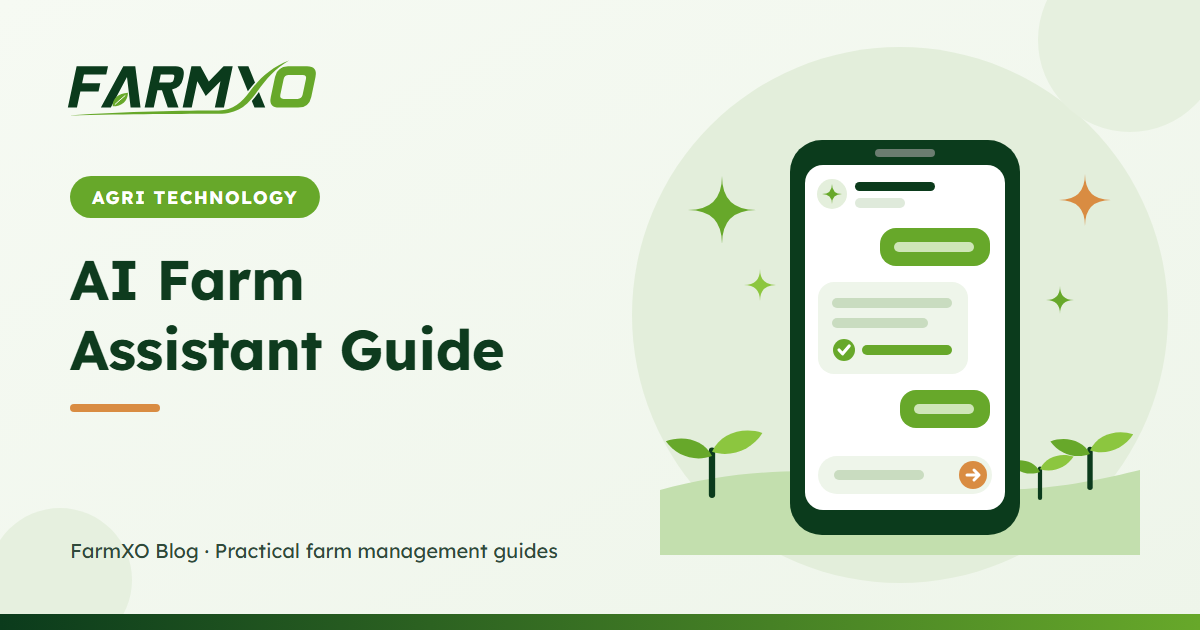
An AI farm assistant is a chat window built into your farm management system. Unlike a general chatbot, it can see a summary of your farm: your fields, the crops in the ground, open tasks, recent activities, stock levels, spending and the latest weather reading. That context is what makes its answers useful.
In FarmXO, the assistant does two jobs:
- Answer and advise – questions about your records, plus practical agronomy, irrigation, crop and cost advice.
- Act on your instructions – create tasks, update task status, log field activities, record expenses and move inventory, just by typing.
What the assistant knows about your farm
Each time you ask something, the assistant receives a compact snapshot of the farm you are working in:
| Record | What the assistant sees |
|---|---|
| Fields | Name, area, soil type and status |
| Crops | Crop and variety, field, status, planting and expected harvest dates |
| Tasks | Open tasks with priority, status and due date |
| Activities | The most recent field activities with type, status and cost |
| Inventory | Stock levels, with items below their reorder level flagged |
| Expenses | Spending by category over the last 90 days |
| Weather | The latest recorded temperature, conditions and humidity |
Sections a user is not allowed to view – for example expenses for a field worker – are left out of the snapshot, so the assistant cannot reveal them.
Five ways farmers use an AI assistant every day
1. A weekly briefing in seconds
"Summarise what needs my attention this week" pulls overdue tasks, crops nearing harvest and low stock into one short list. It replaces ten minutes of clicking through pages every Monday morning.
2. Quick answers from your records
"Which crops are close to harvest?" or "Where did most of my money go in the last 90 days?" are answered directly from your data. For deeper analysis, see our guide to crop-level profitability.
3. Practical field advice
Ask for irrigation advice for this week's weather, a spray interval reminder or ideas for the next crop in your rotation. Answers take your soil types, crops and recent weather into account.
4. Record keeping without forms
"Log today's spraying on the north field, cost 1,200" creates the activity for you. Typing one sentence is faster than filling in a form – especially on a phone at the edge of a field. Read more in AI farm record keeping.
5. Keeping stock accurate
"Used 3 bags of urea today" deducts the stock, and the assistant warns you if that would take an item below zero. Accurate stock is the foundation of farm inventory management.
What AI cannot do (yet)
- It does not walk your fields. Advice is only as good as the records behind it. Scout your crops and keep records up to date.
- It can be wrong. Treat agronomy advice as a second opinion, and check chemical rates against the product label and local recommendations.
- It will not invent records. The assistant is instructed to answer from your data only; if something is not recorded, it will say so.
Staying in control
Owners decide how much the AI may do. Admins can switch the assistant on or off per farm, and separately allow or block AI actions so it can only answer questions. Every change it makes respects the user's role permissions and is written to the audit log, marked as made by AI. We cover this in detail in AI and farm data: permissions, audit logs and control.
How much does it cost?
Each message you send counts as one AI request. Every FarmXO plan includes a monthly allowance of AI requests, with higher plans getting more. See FarmXO pricing for the current allowance on each plan.
Frequently asked questions
Do I need technical skills to use an AI farm assistant?
No. If you can send a text message, you can use it. Start with the suggested questions shown in the chat window.
Can the AI change my records without asking?
The assistant only makes a change when you clearly ask for one, and it confirms exactly what was saved. If key details are missing, it asks a short question first.
Does it work in my language?
You can type in most major languages and the assistant will usually reply in the same language. Record names stay as you entered them.