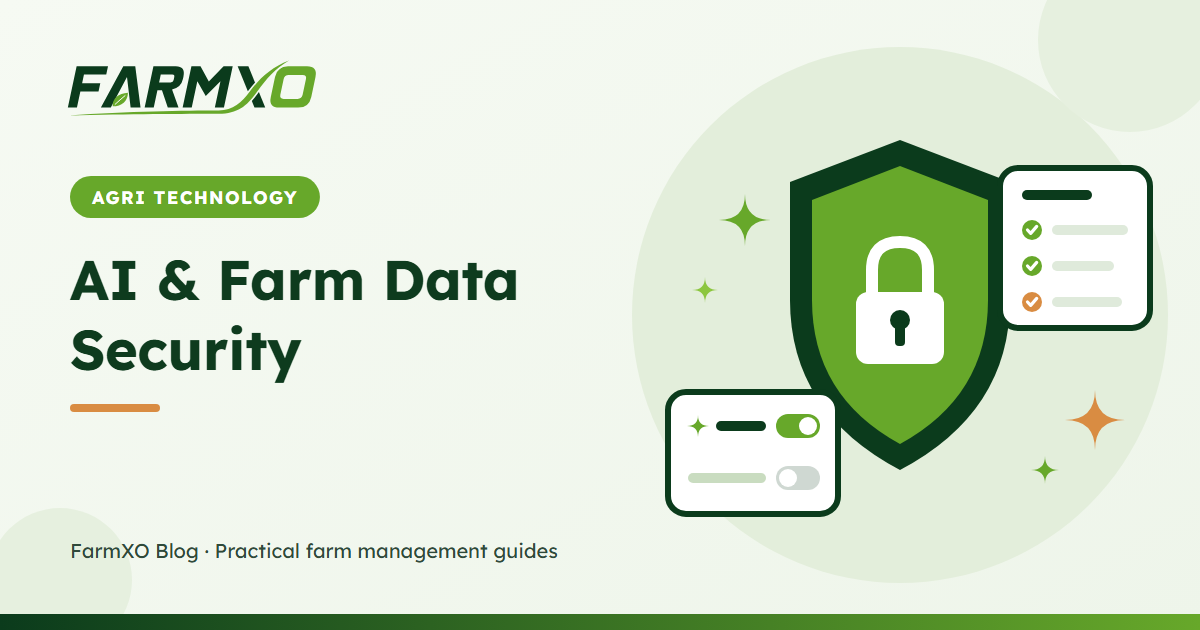
Handing your farm records to an AI can feel risky. Who sees the data? Can it change things it should not? Will a worker be able to read the farm's finances just by asking? These are the right questions to ask before using any AI farm management software. This article explains the controls that should be in place – and how FarmXO handles each one.
1. The AI only sees what the user can see
An AI assistant should never be a back door around your permission system. In FarmXO, the farm snapshot sent to the assistant is built per user:
- Only the farm the user is currently working in is included.
- Inventory, expenses and weather are only included if the user's role is allowed to view them.
- The snapshot is a short summary – recent and open records – not a full export of your database.
So a field worker asking "how much did we spend on fertilizer?" gets no answer if their role cannot view expenses.
2. The AI can only do what the user can do
When the assistant creates a task or records an expense, it uses the same role-based permissions as the rest of the app. The list of actions offered to the AI is built from the user's permissions, and every action checks again before it saves anything. If a user's role does not include "create expense", the AI simply cannot record one for them.
3. Owners switch AI on, off or to read-only
Different farms want different levels of automation. In Settings → AI features, an admin can, per farm:
| Setting | Effect |
|---|---|
| AI assistant off | No one on the farm can use the assistant |
| AI on, actions off | The assistant answers questions and gives advice, but cannot change records |
| AI on, actions on | The assistant can also create tasks, log activities, record expenses and move stock |
Many farms start with actions off for a few weeks, then switch them on once the team is comfortable.
4. Every AI change is in the audit log
Each record the assistant creates or updates is written to the audit log, with before and after values and its source marked as AI. If a quantity looks wrong, you can see exactly which user asked for it and when. Inventory movements made by the assistant are also labelled "AI assistant" in the stock history.
5. Guardrails on every action
- Only clear instructions. The assistant is told to act only when the user clearly asks for a change, and to ask a question when key details are missing.
- Validated input. Dates, amounts, priorities and statuses are checked before saving; negative amounts are rejected.
- Existing records only. Fields, categories and inventory items are matched to what already exists on the farm – stock cannot fall below zero unless the farm allows it.
- Confirmation. Every saved change is shown to the user right under the reply.
6. Predictable usage and cost
Each message counts as one AI request against a monthly allowance set by your plan, and the remaining requests are shown at the top of the assistant. There are no surprise bills. See pricing for the allowance on each plan.
A checklist for any AI farm tool
- Does the AI respect user roles for both reading and writing data?
- Can you turn AI off, or make it read-only, without losing other features?
- Are AI changes logged and traceable to a user?
- Does it confirm what it saved?
- Is usage capped and visible?
- Can you export your data at any time?
If the answer to any of these is no, be careful about giving it access to your records. For an overview of what a good platform should include, read what is farm management software, or see the assistant in action in AI in farm management.
Frequently asked questions
Is my farm data used to train AI models?
FarmXO sends only the short farm summary needed to answer each question to its AI provider through a business API. Check your provider agreement and our privacy policy for details on data handling.
Can I see how many AI requests my team has used?
Yes. The assistant shows how many requests are left this month for your plan.
What happens if the AI makes a mistake?
Correct or delete the record as you normally would. The audit log shows the original AI change, so nothing is hidden.