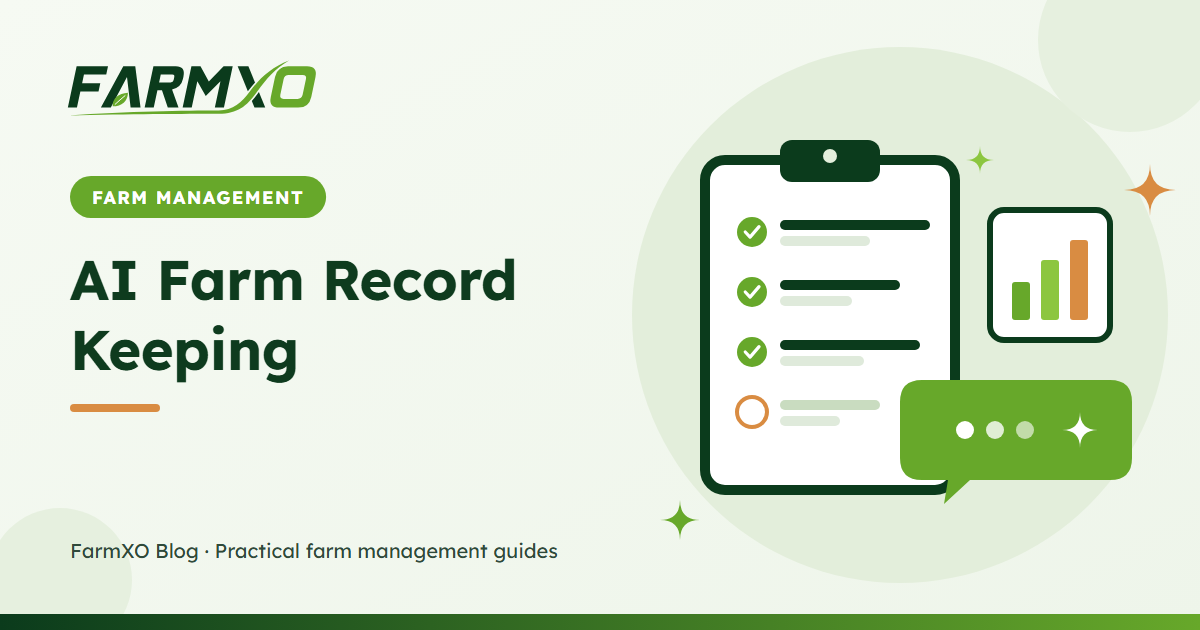
Every farmer knows records matter – they are how you find out which fields pay, prove what was sprayed and plan next season. The problem is time. After a long day, filling in forms is the first job to be skipped. AI farm record keeping removes most of that friction: you describe what happened in one sentence and the record is created for you.
Why traditional farm records fall behind
- Too many screens. Logging a spray, the chemical used and its cost can mean three separate forms.
- Recorded later, from memory. Details like dates, quantities and fields get lost by the end of the week.
- Only one person does it. When the manager is away, nothing gets written down.
Our farm record keeping guide lists the nine records every farm should keep. AI does not change what you record – it changes how quickly you can record it.
What you can record by typing
| Record | Example message | What gets saved |
|---|---|---|
| New task | "Create a high priority task to check the drip lines on Field 3 tomorrow" | Task with title, priority, due date and linked field |
| Task update | "Mark the fence repair task as done" | Task status changed to done |
| Field activity | "Log today's fungicide spray on the north field, cost 1,800" | Activity with type, date, field, cost and status |
| Expense | "Record 4,500 for diesel yesterday" | Expense in the matching category with date and amount |
| Stock movement | "We used 5 bags of DAP on the wheat" | Inventory consumption, stock reduced by 5 bags |
The assistant matches field names, expense categories and inventory items to what already exists on your farm, so "north field" finds "North Field" and "diesel" lands in your fuel category if that is how you named it.
Tips for accurate AI records
- Name the field. Activities linked to a field feed field-level cost reports.
- Include the amount and unit. "5 bags" or "20 litres" is clearer than "some".
- Say when. "Today", "yesterday" or a date. If you leave it out, today is used.
- Read the confirmation. After each change the assistant shows exactly what was saved – for example "Logged activity #128 'Fungicide spray' on 2026-11-11". If something is wrong, correct it straight away.
- Add items to inventory first. The assistant moves stock for items that already exist; it will not create new inventory items, so your store list stays clean.
Built-in safety checks
- Permissions apply. A worker who cannot record expenses in the app cannot record them through AI either.
- No negative stock by accident. If a consumption would take an item below zero, the assistant refuses and tells you the current stock (unless your farm allows negative stock).
- Everything is audited. Each AI change is written to the audit log with its source marked as AI, so you can always see who did what.
Where AI record keeping helps most
Farms with several people in the field get the biggest benefit: supervisors can log work as it happens from a phone, and the office sees it immediately. Combined with labor management and inventory tracking, you get complete cost-per-field data with far less typing. For more on everything the assistant can do, read AI in farm management.
Frequently asked questions
Can I record several things in one message?
Yes. "Log the irrigation on Field 2 and mark the irrigation task as done" can create the activity and update the task in one go. Each saved change is listed under the reply.
What if I do not want AI to change records?
An admin can turn off AI actions for the farm in Settings. The assistant will still answer questions but will point users to the right page to make changes themselves.
Does each record count against my AI allowance?
Your allowance counts messages, not records. One message that creates three records uses one AI request.